Loggr

case study

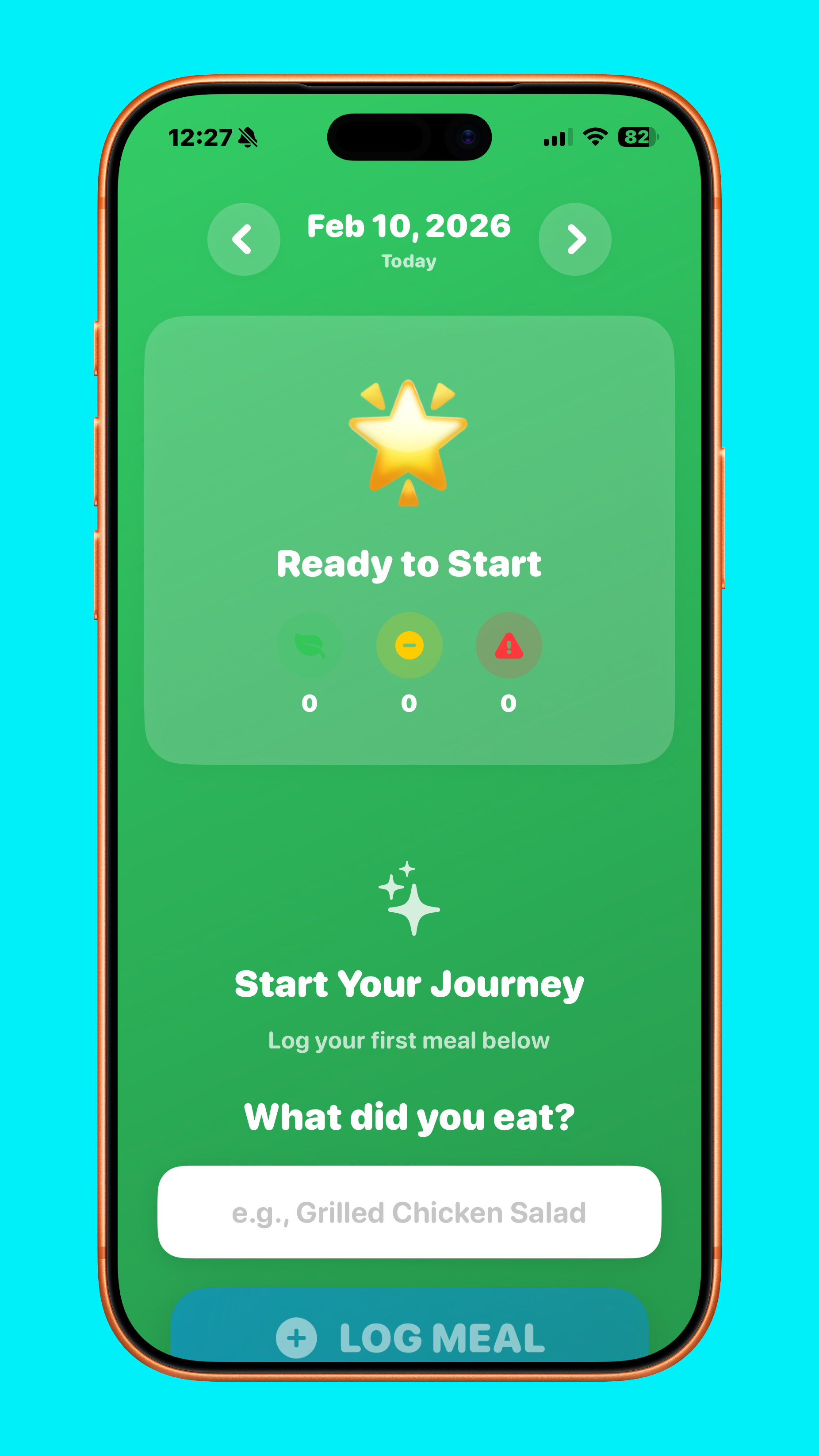
Mobile app screen for a health or wellness app with a green background, displaying date February 10, 2026, and options to start tracking meals and health journey.

A different approach to weight loss

Weight loss/diet apps have it all wrong: instead of trying to figure out the calorie count of everything you eat and drink and having you weigh yourself everyday, it should be more intelligent and less of an app you have to open everyday, especially once you’ve reached your goal weight.

App concept
2026

Overview

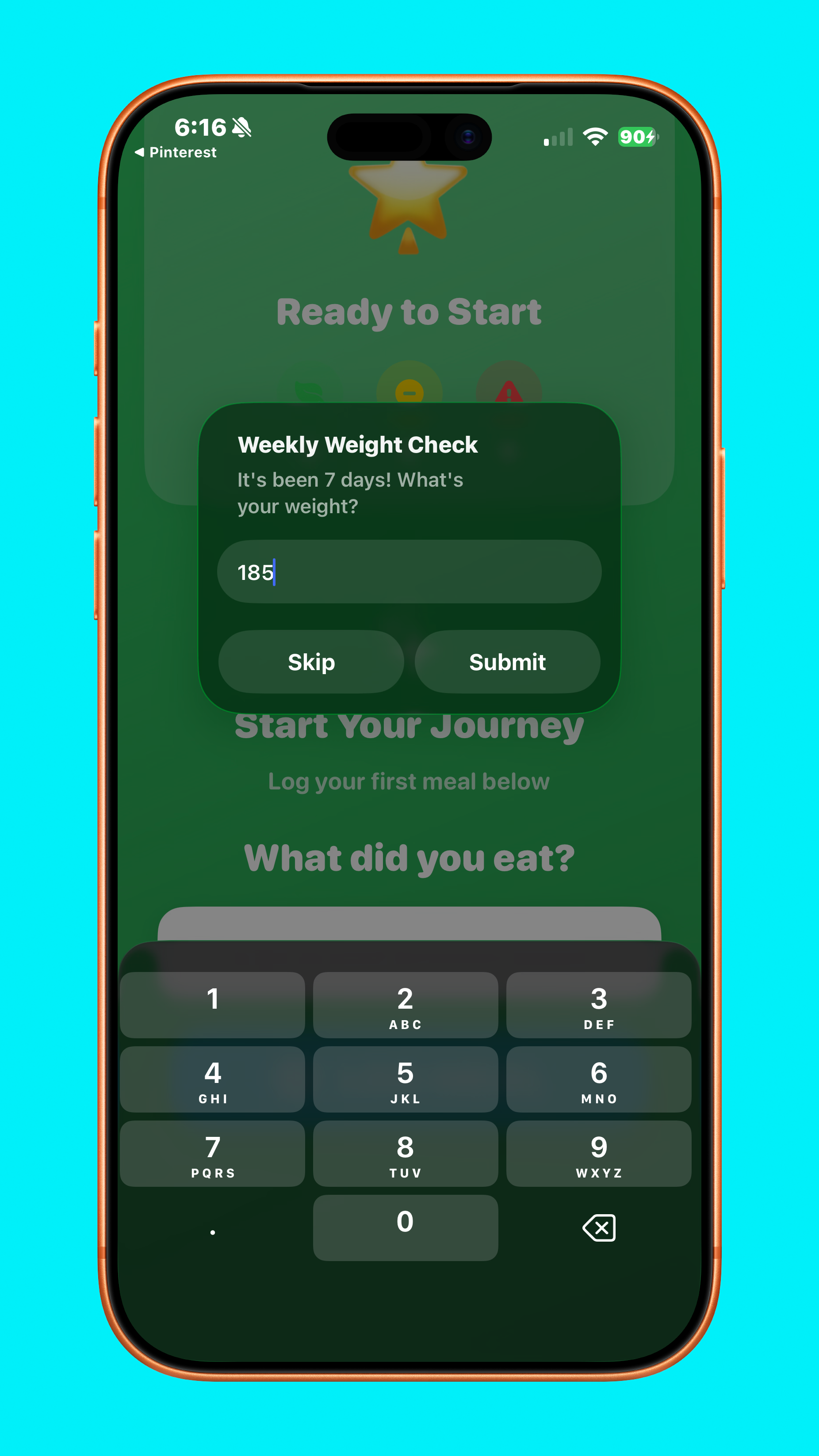
Unlike other apps that take an emphasis on data and numbers, numbers, numbers, Loggr intelligently categorizes the meal, and weighs you in once per week, an approach that is more sound since weight fluctuates daily.
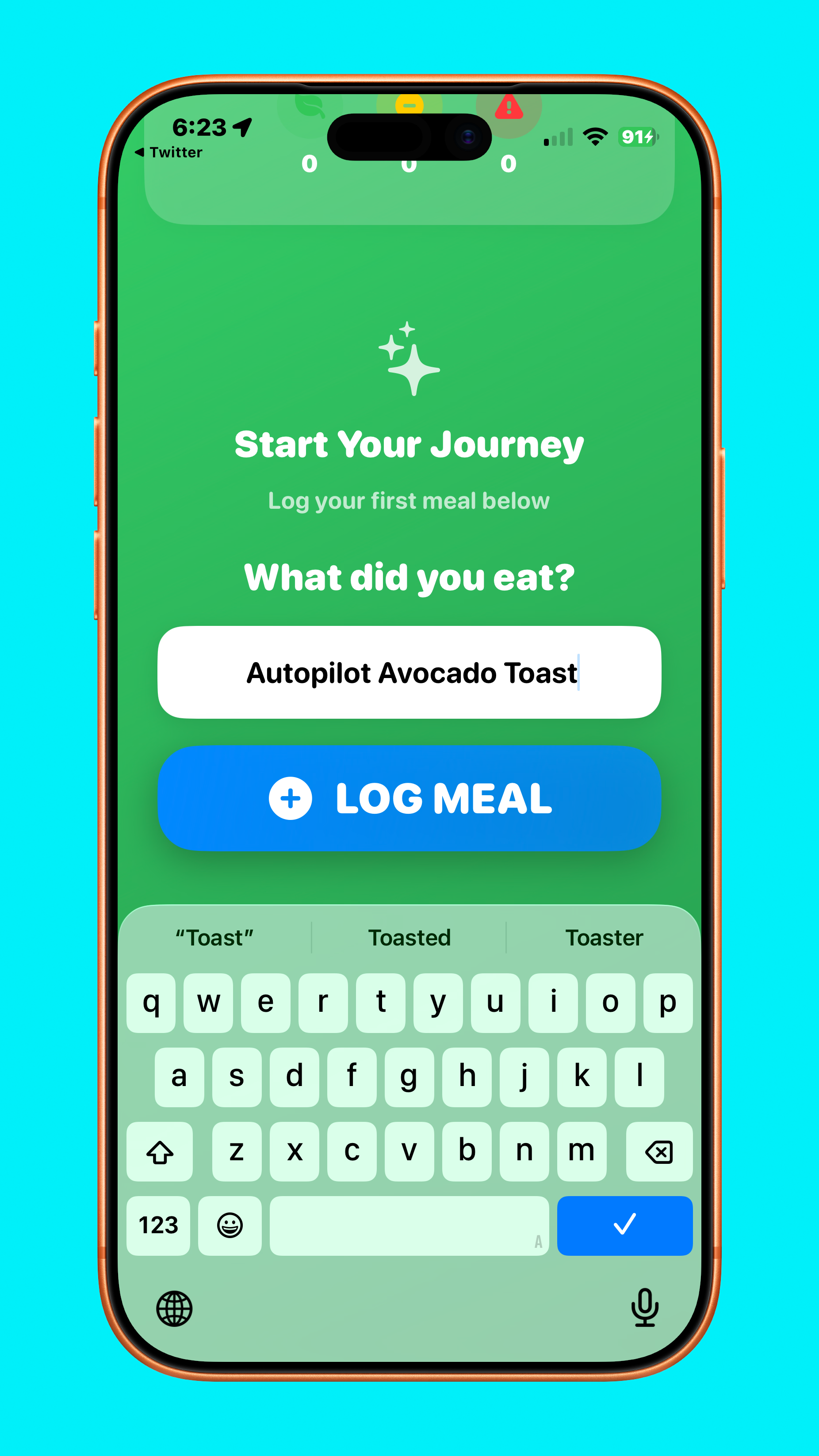
Screenshot of a mobile app interface with a green background, showing a prompt to log a meal. The screen displays the question "What did you eat?", with a text box containing "Autopilot Avocado Toast", a blue button labeled "Log Meal", and a keyboard at the bottom for entering text.
Smartphone screen showing a health app with a pop-up titled 'Weekly Weight Check' asking for weight input, with 'Skip' and 'Submit' buttons, and a keypad for entering the weight.
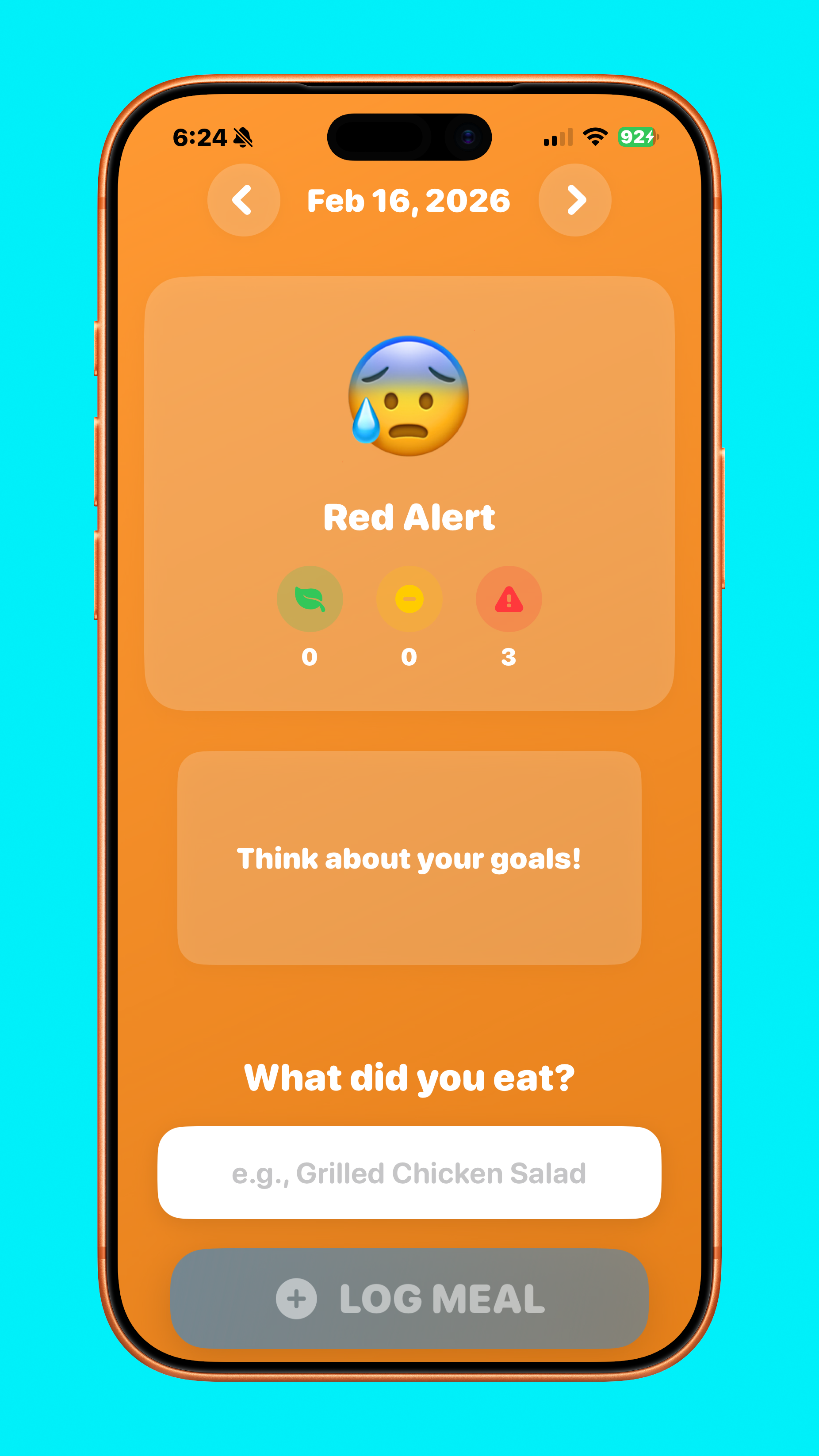
Mobile app screen showing a water speed alert with a sad face emoji, data indicating three red alerts, and prompts to log meals and reflect on goals.

Maintenance mode

When the user has reached their target weight, the app transitions to a maintenance mode decimated to maintaining that weight. To make the app feel more passive, it passes over functionality to an Apple Watch app, trusting the user, who has show that they can be relied on by accurately logged their meals and weight previously. If too many unhealthy meals are logged over days, it exists maintenance mode and forces the user back to the iPhone app.
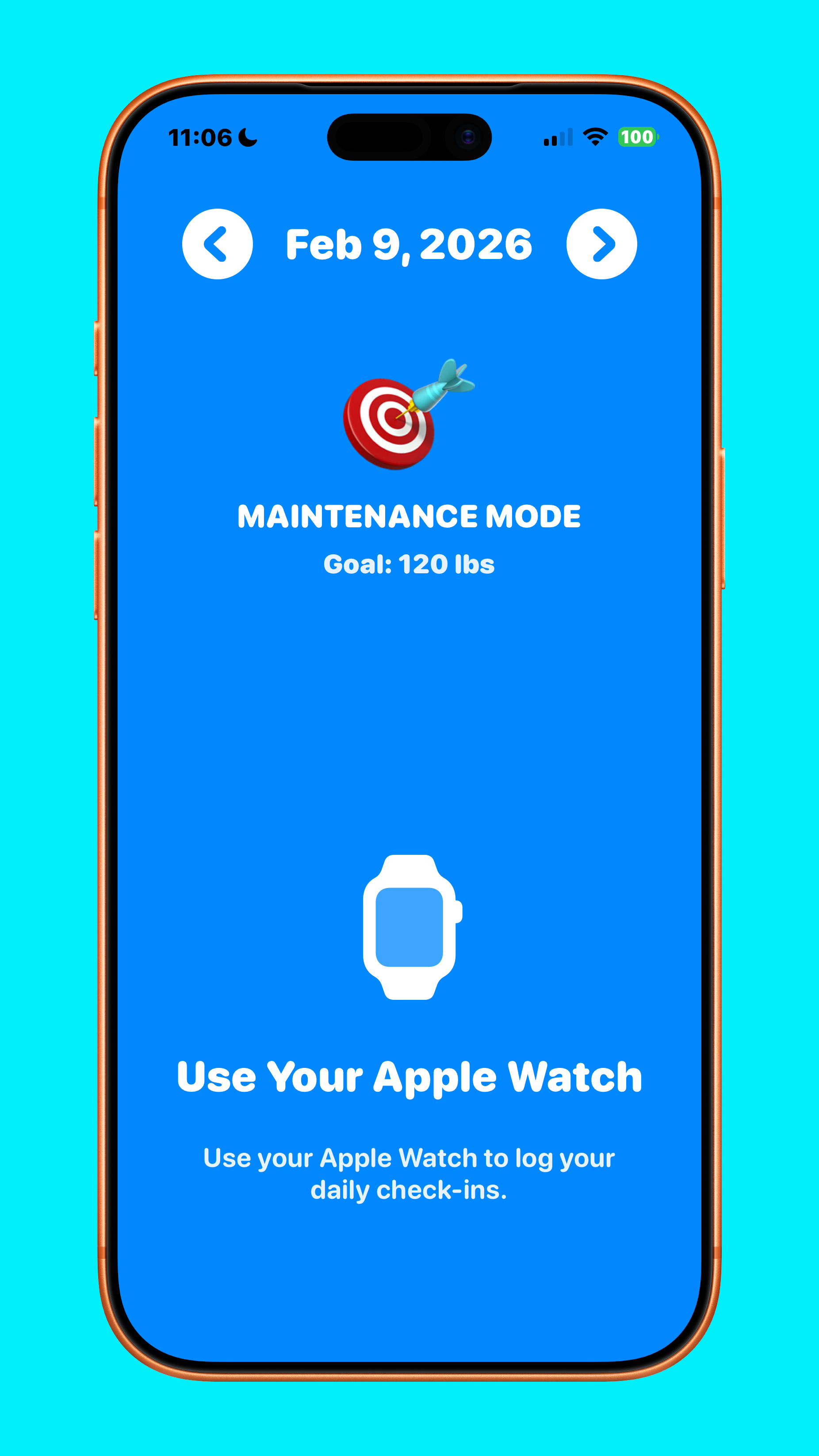
Screenshot of a mobile app displaying a fitness or health tracking interface. It shows the date February 9, 2026, a target weight goal of 120 lbs, and indicates maintenance mode with an icon of a dartboard with a dart in the bullseye. A smartwatch icon is shown with a prompt to use an Apple Watch to log daily check-ins.
Smartwatch displaying a health app with options to categorize eating habits as healthy or unhealthy.

Desired changes and photo composer

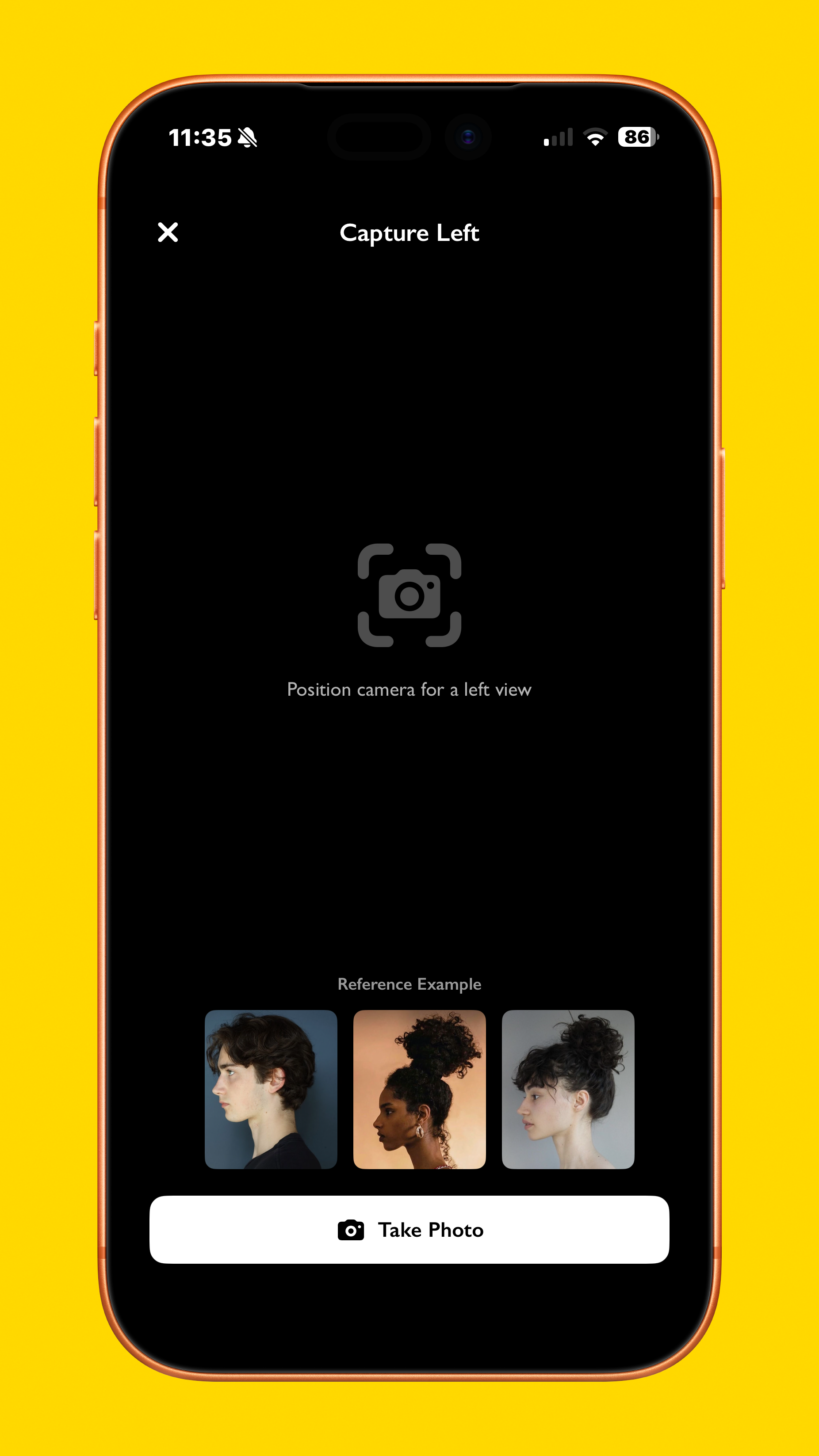
Sometimes even when we like a certain hairstyle, we might want some changes to make it better suit us and our faces, so the new cut screen lets you input any changes you’d like, and using Apple’s Foundation Models framework, it even asks you for what changes you’d like, then summarizes it. Additionally, if you are taking a photo of the hairstyle instead of importing a photo, the app gives you a reference for what they should look like.
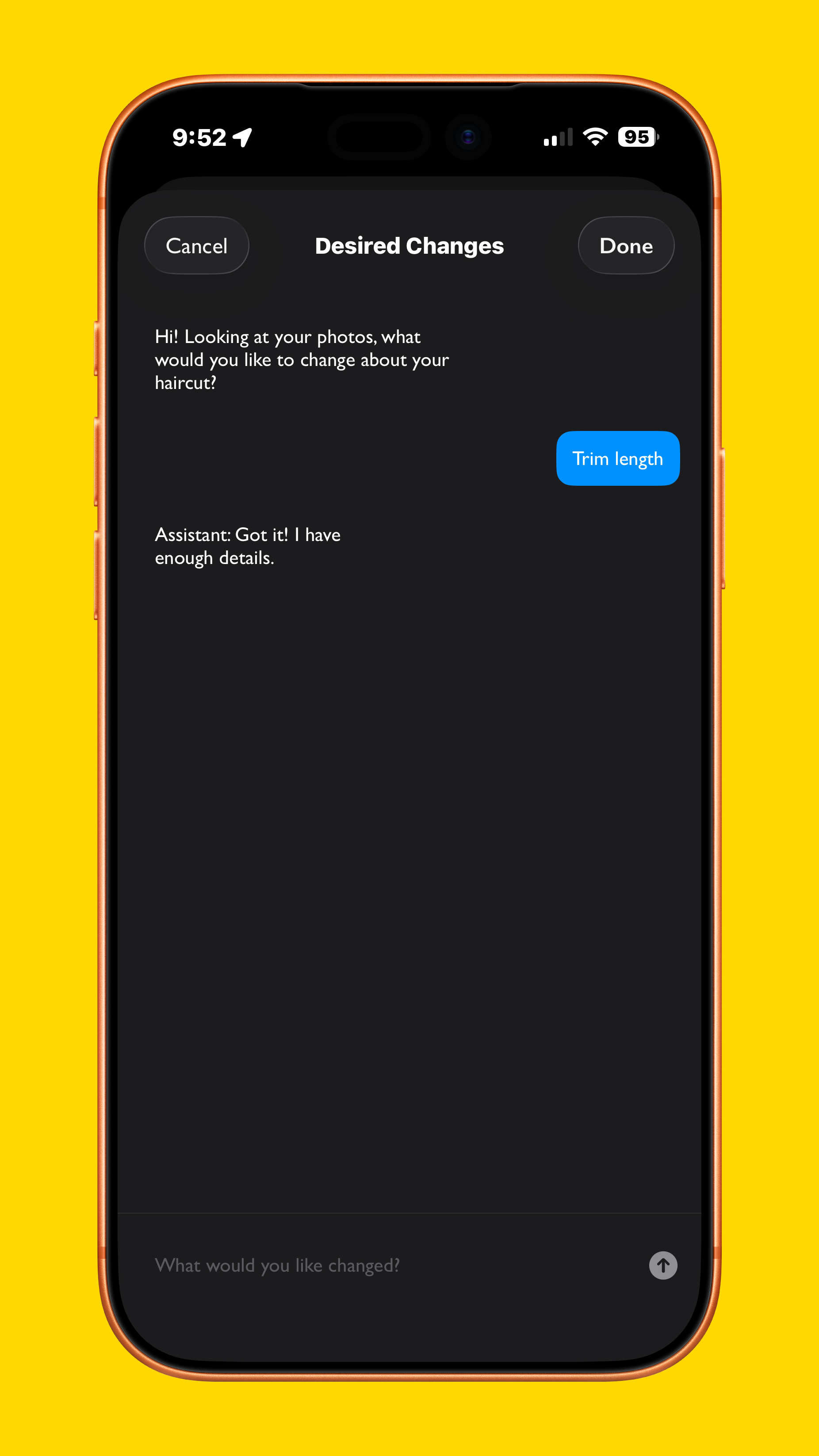
A smartphone screen displaying a photo editing app with a black interface. The app shows a chat feature where a user has selected the 'Trim length' option for a photo, and a message saying 'Hi! Looking at your photos, what would you like to change about your haircut?' The device has a yellow background.

Streaks

Initially hidden from the user, a streak banner appears after a few days of logging healthy measles surprising the user and adding delight to the interaction, increasing the chances of them sticking to a healthy diet.
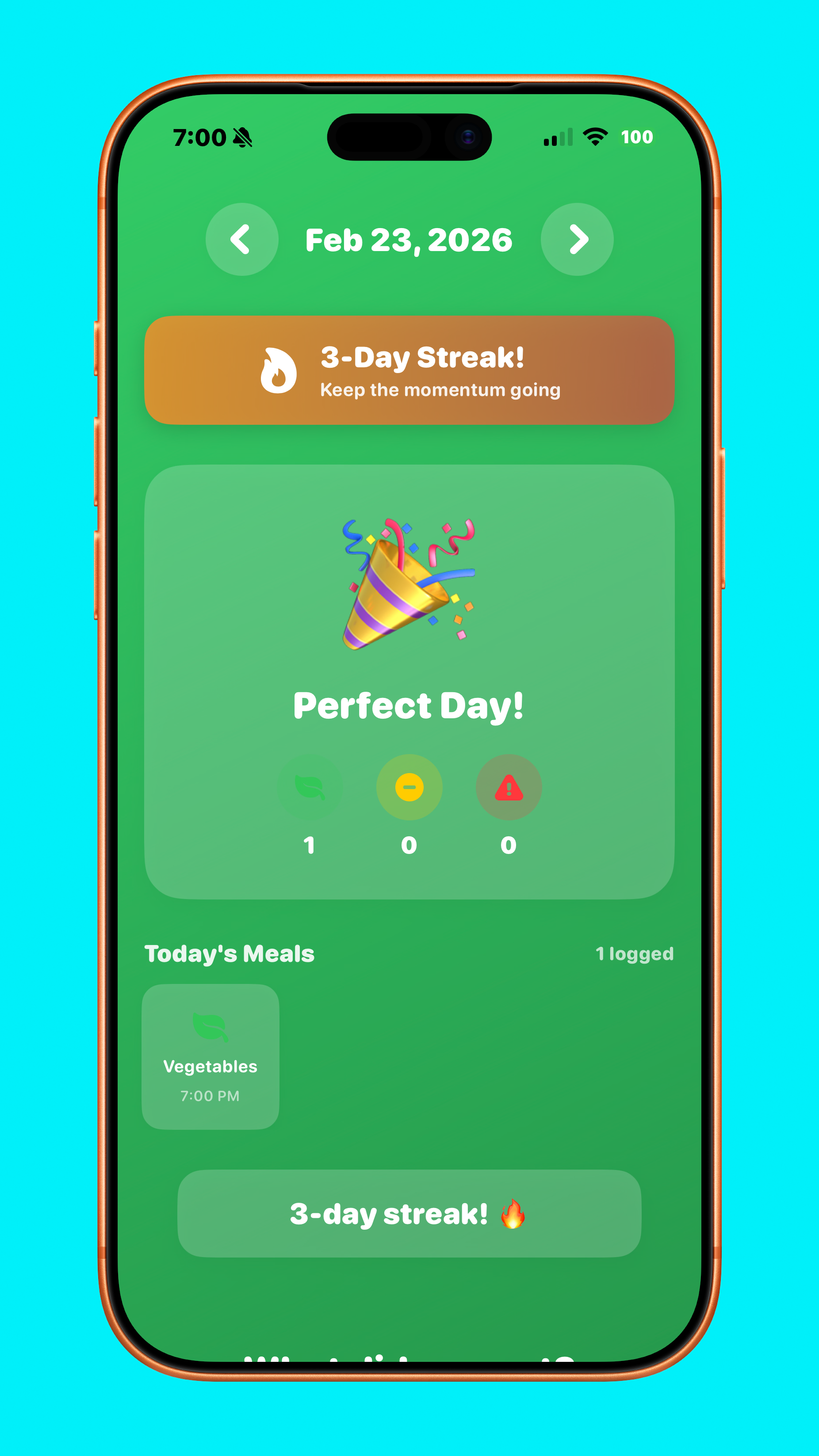
Screenshot of a health or fitness app on a phone displays a date of February 23, 2026, with a 3-day streak. The app shows a celebration icon, progress stats, and details of a meal logged as vegetables at 7:00 PM.
Smartphone screen showing a camera app for capturing a left view, with sample reference photos of diverse women with different hairstyles, and a 'Take Photo' button at the bottom.